dooflix Android App Review: Features, Safety, and Content Overview
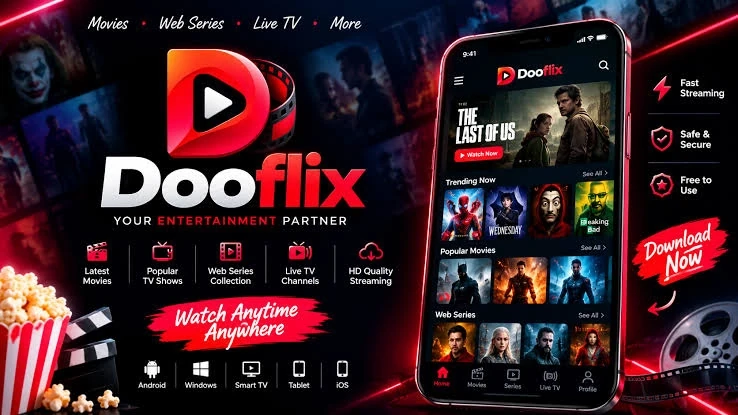
Finding a reliable entertainment hub for your Android device can sometimes be challenging given the sheer number of streaming applications available in the market today. This comprehensive dooflix app review is designed to help Indian Android users understand what the dooflix Android app offers, its core capabilities, and important safety considerations to keep in mind. By the end of this page, you will be able to make an informed decision about whether this application fits your digital entertainment routine, and how it compares with mainstream licensed alternatives currently operating in India.
What is dooflix
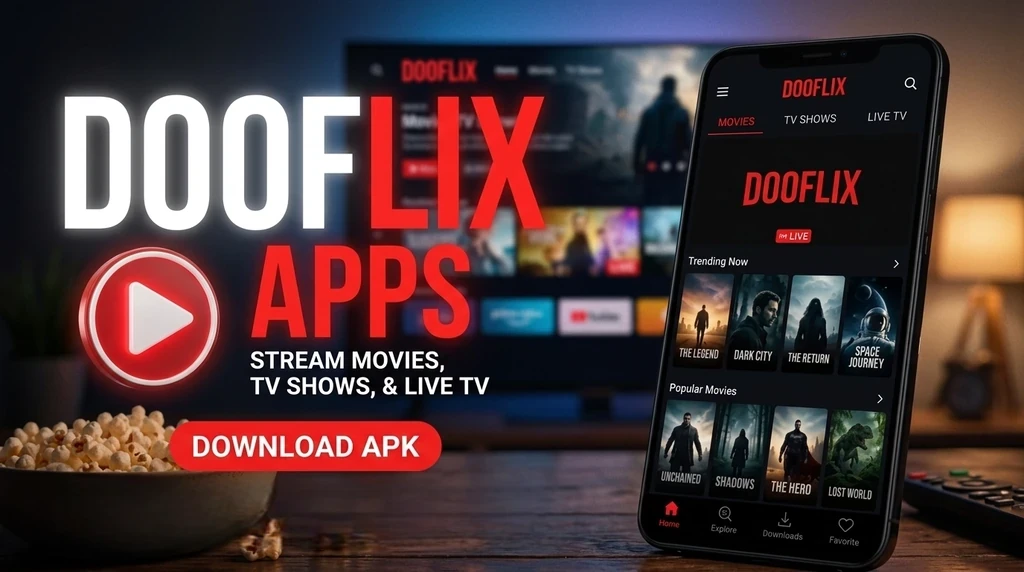
The dooflix application functions as a digital media aggregator designed to help users discover, organize, and stream a wide variety of video content directly on their mobile devices and televisions. Operating primarily as an interface for cataloging media, the application aggregates titles and links from various online sources, allowing users to browse through extensive collections of movies, television programs, and related video materials.
It is important to note that this page could not verify that the app holds formal distribution licences for the content it offers. While the platform organizes media into neat categories and provides search functionality, users should remain aware that the streaming links presented are typically crawled from third-party websites across the web rather than hosted on dedicated, authorized studio servers. Understanding this sourcing model is crucial for anyone evaluating the platform for daily use.
Key Features of the dooflix Android App
The application includes several functional features aimed at improving navigation, media tracking, and viewing convenience for users who enjoy managing their watchlists efficiently.
TMDB Data Integration
The platform integrates database information from The Movie Database (TMDB) to display accurate synopses, cast details, release dates, and related metadata for various titles. This ensures that users get consistent and structured information when browsing through different movie and television series pages.
Trakt Account Integration
For individuals who like to maintain a detailed record of their viewing habits, the dooflix app offers Trakt account synchronization. This feature allows users to sync their watch history, track upcoming episodes, and manage their personal entertainment logs across multiple sessions seamlessly.
Seamless Casting Capabilities
Users are not restricted to watching content solely on mobile screens. The application includes built-in casting tools that allow viewers to transmit video streams from their smartphones or tablets to compatible smart televisions, enabling a larger display setup at home.
User-Friendly Interface
The platform features a clean and straightforward navigation layout. Whether you are searching for specific titles or browsing through trending categories, the interface is designed to help users find their desired media without encountering complicated menus or excessive clutter.
Daily Library Updates
The application catalog receives regular updates with newly added media titles and television episodes. This keeps the browsing experience fresh and ensures that users can check for recently released episodes of their favorite serial programming shortly after air dates.
What You Can Watch
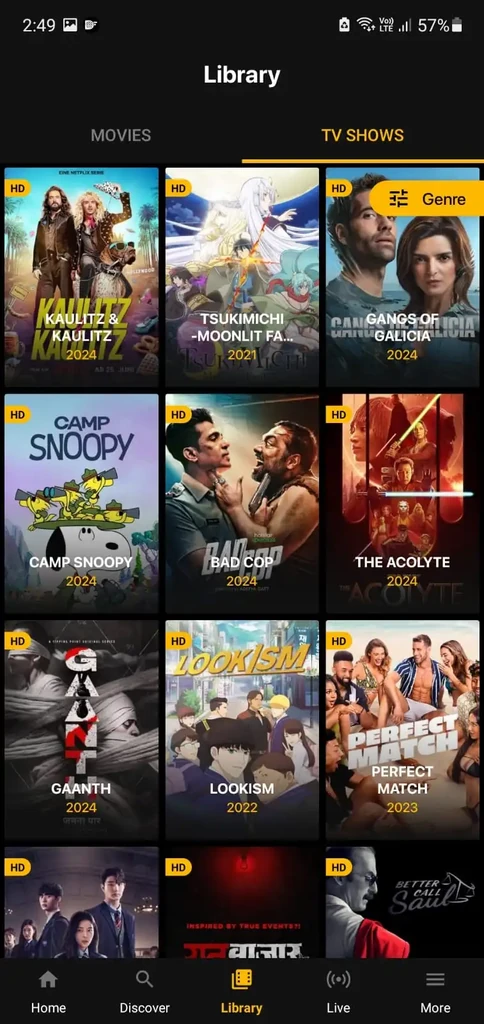
The application organizes a diverse range of entertainment content catering to viewers with varied linguistic and cultural preferences across India. The available categories typically encompass a broad selection of Bollywood blockbusters, regional South Indian cinema including Tamil and Telugu language films, and international web series.
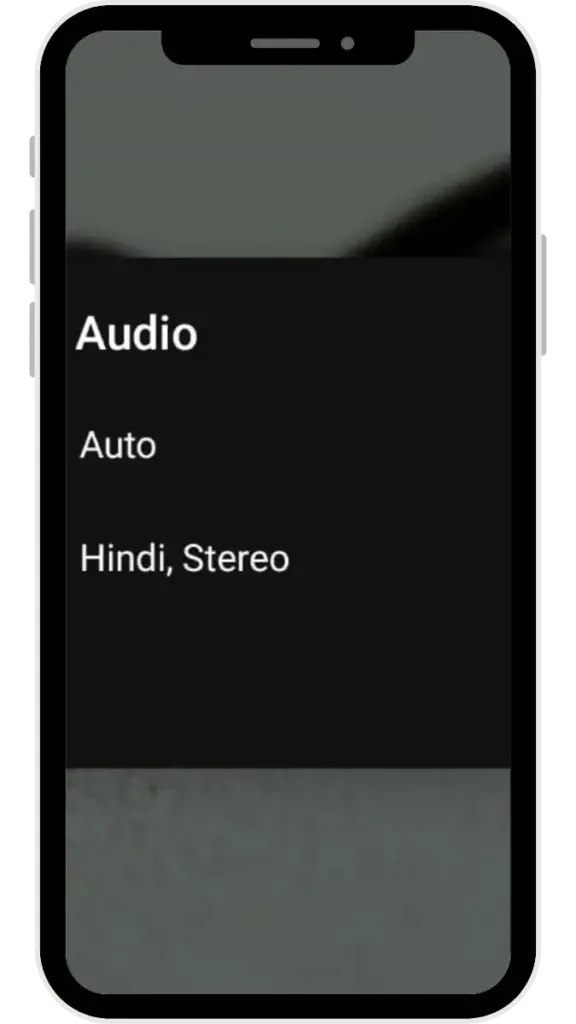
In addition to narrative features and serial dramas, the platform lists various documentary programs and standard television broadcasts. However, because the catalog relies on external web sources, the availability of specific regional titles, audio tracks, and subtitle options can fluctuate frequently. Viewers interested in specific niche genres should check the app directly to see what current listings are populated in their region.
Device Compatibility
The dooflix Android app is built to run on various hardware running the Android operating system. Users can install and utilize the platform across several device types:
- Android smartphones and tablets
- Android TV boxes and smart television sets
- Amazon Firestick and related streaming sticks
dooflix vs Licensed OTT Platforms
To help you evaluate value and reliability, here is a comparison between dooflix and standard licensed OTT streaming services operating in India.
| Feature | dooflix | Licensed OTT Platforms (e.g., Netflix, Prime Video) |
|---|---|---|
| Content Licensing | Not confirmed / Third-party links | Fully licensed with direct studio partnerships |
| Pricing | Free to access | Paid subscription tiers or telecom bundles |
| Video Quality | Variable (depends on scraped source links) | Consistent HD, 4K, and Dolby Atmos support |
| Advertising | May contain third-party ads or redirects | Ad-free or specific ad-supported legal tiers |
| Customer Support | Not available | Dedicated customer care and help desks |
| Update Source | Automated web scraping | Official studio releases and scheduled premieres |
Pros and Cons
Examining the positive aspects alongside the inherent risks helps provide a balanced perspective on the application.
| Pros | Cons |
|---|---|
| Simple and intuitive navigation interface | Unverified content licensing and copyright status |
| Trakt and TMDB synchronization tools | Risk of broken links or streaming buffering |
| Built-in casting support for large screens | Third-party APK installation security risks |
| Daily updates for media listings | Lack of official customer support or warranty |
Safety and Legal Considerations
When downloading and installing applications from sources outside official app stores, users face distinct security and legal considerations. Sourcing APK files from third-party websites involves potential risks, including the possibility of altered installation packages, hidden malware, or excessive permission requests that could compromise device security. Because this page could not verify that the app holds formal distribution licences, users must also consider the legal implications of streaming unverified media content in India. Copyright laws strictly protect intellectual property, and accessing material without authorized distribution rights can lead to potential legal liabilities. Before installing any external application, it is advisable to verify the developer identity, review requested device permissions carefully, and ensure that security tools like Google Play Protect are active on your Android device to scan for potential threats.
Before You Install
If you choose to explore the dooflix Android app, please consider the following safety checklist:
- Verify that your device security settings are configured to protect against unauthorized file modifications.
- Check the permissions requested during installation to ensure they align with the app's basic functions.
- Understand that third-party streaming applications do not offer guaranteed uptime or technical support.
- Explore legal and authorized streaming alternatives available in India for a secure and stable viewing experience.
Common Problems and Troubleshooting
Users navigating third-party streaming apps occasionally encounter technical hiccups. Here are standard troubleshooting steps for common issues:
- Buffering or Slow Playback: Check your internet connection speed or try switching between Wi-Fi and mobile data. If a specific video link fails to load, selecting an alternate source within the app can often resolve the blockage.
- Audio Out of Sync: Restart the media player or close and reopen the application to refresh the audio-visual stream synchronization.
- Casting Failure: Ensure that both your Android device and your smart television or streaming stick are connected to the same local Wi-Fi network before initiating the cast function.
Licensed Alternatives
For viewers seeking stable, legal, and high-quality entertainment with guaranteed content rights, several official streaming platforms operate across India:
- Netflix: A global streaming giant offering a massive library of original series, international films, and regional Indian content. Ideal for users seeking ad-free, high-definition entertainment across multiple devices.
- Amazon Prime Video: Features a robust collection of Bollywood movies, regional cinema, and exclusive web series, often bundled with shopping benefits. Great for families and regional film enthusiasts.
- JioHotstar: A comprehensive platform featuring live sports, blockbuster movies, and popular television serials in multiple Indian languages. Suitable for sports fans and drama lovers alike.
- SonyLIV: Known for original web series, live sports broadcasts, and a wide array of regional movies and TV shows. Perfect for fans of crime thrillers and reality television.
FAQ
Is the dooflix Android app safe to use?
Downloading applications from external websites always carries inherent security risks, such as potential malware or privacy concerns. This page cannot guarantee that the app is completely safe, and users should exercise caution and use security scanning tools.
Does dooflix hold official content licences?
This page could not verify that the app holds formal distribution licences for the movies and television shows it provides. The platform aggregates links from various third-party sources across the web rather than hosting licensed media directly.
Do I need to pay a subscription fee to use dooflix?
The application is generally accessible without direct subscription fees, but users should remain aware that free third-party platforms may monetize through advertisements, sponsored links, or external redirects.
Can I cast movies from dooflix to my smart TV?
Yes, the application includes built-in casting features that allow users to transmit video playback from compatible Android smartphones and tablets directly to a larger smart television screen.
What should I do if a video fails to play?
If playback fails or buffers excessively, check your internet connection, clear the app cache, or try selecting an alternative streaming link provided within the interface for that specific title.
Conclusion
In summary, the dooflix Android app provides an alternative media aggregation interface equipped with Trakt integration, TMDB data syncing, and casting capabilities for users exploring third-party streaming tools. However, because content authorization cannot be verified and external APK installations carry inherent security and legal risks in India, viewers must weigh these factors carefully. For a stable, secure, and fully supported entertainment experience, exploring established licensed platforms remains the recommended approach for most users.